
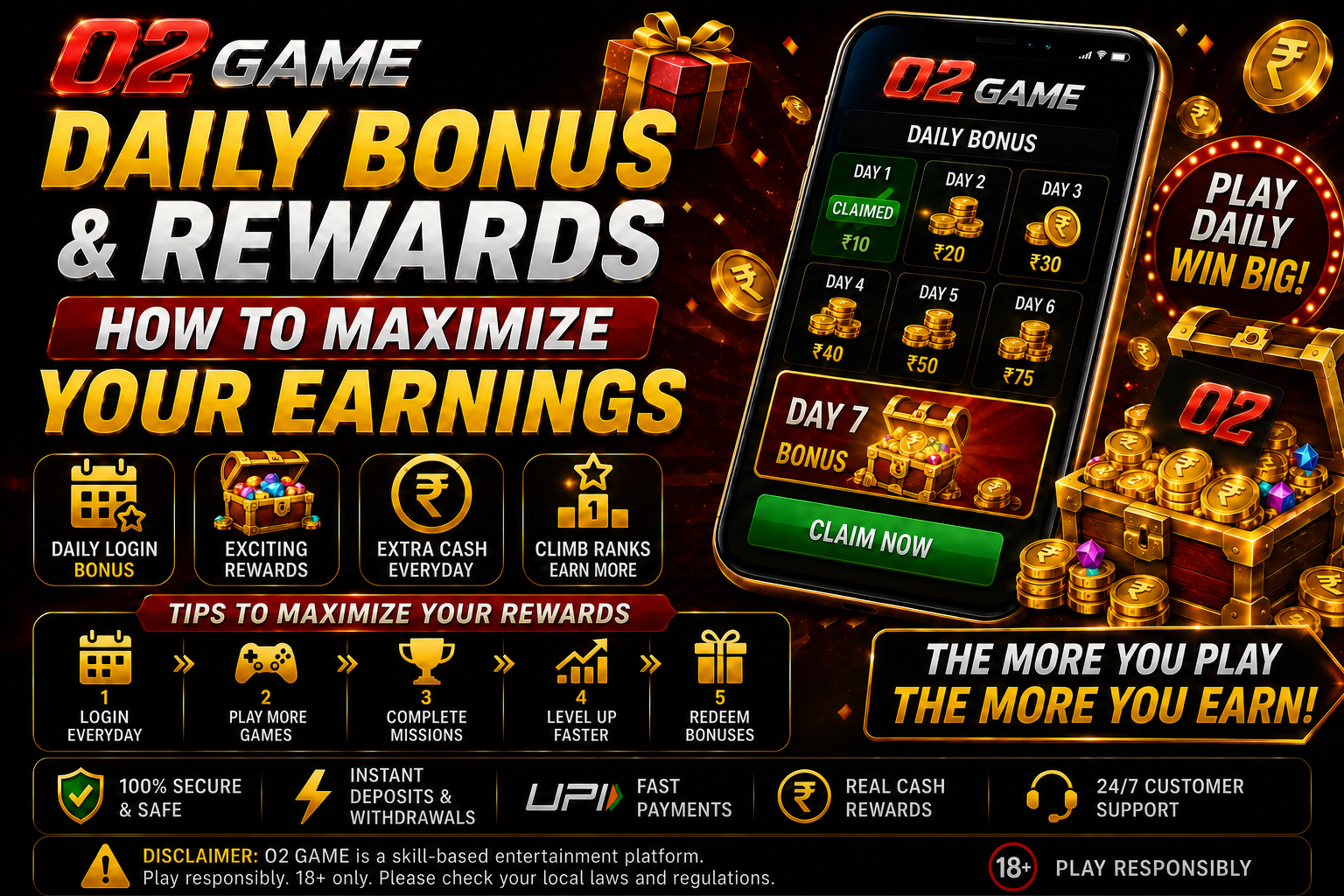
02GAME Daily Rewards may include login items, missions, coupons or account-specific promotions. The important question is not how often a banner appears, but whether the reward has clear conditions and practical value for the user.
Identify the reward type
Separate playable credit from withdrawable balance, coupons and loyalty points. Check whether a reward is credited automatically or must be claimed. If a calendar is used, confirm whether missing one day resets the streak or simply skips that day.
Look beyond the claim button
Open the detailed rules and note expiry, eligible games, minimum activity and any turnover condition. A reward can expire before its displayed campaign ends. Some missions count only completed rounds or selected tables, so do not assume every action contributes.
Track rewards independently
- Record the claim date and displayed value.
- Capture the terms that applied at claim time.
- Check which wallet received the credit.
- Compare completed progress with the mission counter.
- Contact verified support once with the reference if the status is wrong.
Avoid reward-driven overspending
Never increase a deposit or extend a session solely to preserve a streak. A small reward is not valuable if obtaining it requires more spending than planned. Set the budget before opening the offers page and treat unclaimed promotions as optional.
When terms change
Promotions are time-sensitive. Use the live app screen rather than an old image from this or another website. The 02GAME knowledge base explains other account and offer checks.
Measure net value rather than displayed value
A reward should be assessed after considering required activity, time and restrictions. Ten units of immediately usable value can be more practical than a larger conditional amount. If participation changes the amount you intended to spend, calculate that difference as part of the cost.
Understand streak mechanics
Daily calendars may reset at a specific server time rather than local midnight. Check whether a missed claim restarts progress, whether days must be consecutive and whether rewards require opening a separate screen. Set a reminder only if the activity fits normal use; do not let a streak dictate spending or sleep.
Check mission counters carefully
Progress may update after a delay or count only selected tables and completed rounds. Read the mission definition before starting and compare it with the counter after a small qualifying action. If nothing changes, stop and investigate instead of repeating activity in the hope that it will appear later.
Decide when a reward is not worth pursuing
Skip an offer when the expiry is too short, the qualifying amount exceeds the budget or withdrawal conditions are unclear. Optional rewards should remain optional. A missed promotion is not a loss, and a future campaign should be evaluated from the beginning rather than assumed to use the same rules.
Final 02GAME Daily Rewards review
Before acting on this information, confirm the current app version, live terms, account eligibility and local requirements. Record only the details needed for your own decision, keep sensitive credentials private and use a fixed entertainment budget. Revisit this guide when the interface or rules change, because an older screenshot cannot establish current conditions.
Final 02GAME Daily Rewards review
Before acting on this information, confirm the current app version, live terms, account eligibility and local requirements. Record only the details needed for your own decision, keep sensitive credentials private and use a fixed entertainment budget. Revisit this guide when the interface or rules change, because an older screenshot cannot establish current conditions.
A repeatable verification method
Use the same three-stage method whenever you revisit 02GAME Daily Rewards. First, identify the exact screen, version and date being discussed. Second, compare the claim with the current in-app rule or account record. Third, decide whether the information changes your planned time, budget or security exposure. This method keeps decisions consistent even when banners, menus or campaign names change.
What to record for later reference
Keep a short note containing the page or feature name, the time checked, the relevant condition and any non-sensitive reference number. Avoid storing passwords, OTPs, complete payment details or identity documents in ordinary notes. If a disagreement occurs later, a clear timeline is more useful than many screenshots without context.
When to stop and verify again
Pause if the destination domain changes unexpectedly, the app requests a new sensitive permission, a transaction recipient looks unfamiliar, or a rule conflicts with the information previously displayed. Do not continue merely because a timer or promotional message creates urgency. Close the screen, verify through a known route and return only when the identity and conditions are clear.